Every minute of every day, cyber robots are relentlessly pounding WordPress sites across the globe. Their number one target? Your public login page. It's the front door to your digital business, and bots are rattling the handle thousands of times a minute.
As an experienced WordPress developer with over 7 years in the game and 350+ projects under my belt, securing my clients' sites isn't an afterthought—it's my top priority. A hacked site can destroy a business's reputation. Today, I'm going to teach you the three non-negotiable steps I use to lock down the front door of every site I build and protect it from these constant attacks.
The biggest vulnerability of any WordPress site is that everybody knows where the login page is: /wp-admin or /wp-login.php. That makes it incredibly simple for bots to find it and start their attack.
My first move is to make the door invisible. I use a lightweight security plugin like WPS Hide Login to change the login URL from the default to something unique and secret (for example, /secret-entry). The result is instant satisfaction: this single change stops over 99% of automated brute force attacks because the bots simply can't find the login page to attack.
For any hacker who does find the new login page, their next step is to try to guess the password over and over. This is called a "brute force" attack.
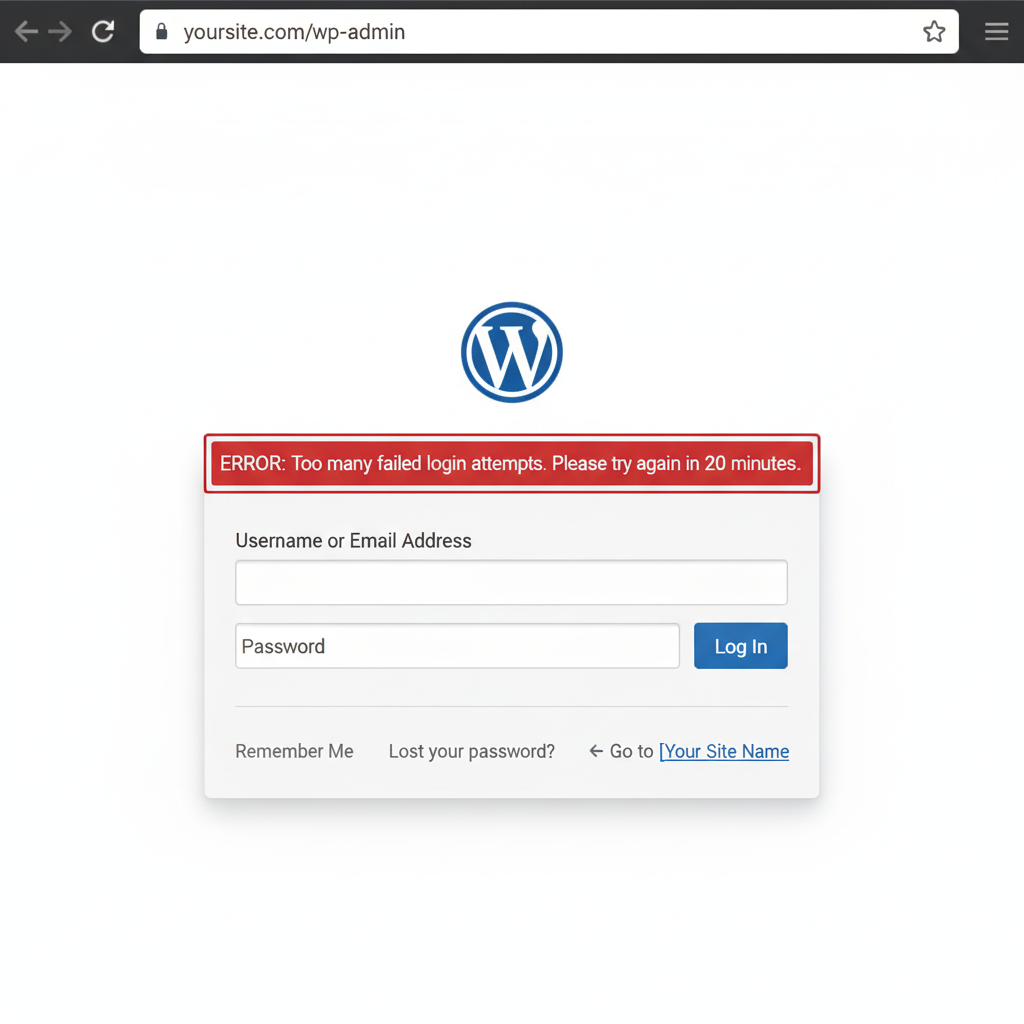
My fix is to install a login attempt limiter. This tool automatically blocks an IP address after a small number of failed login attempts (I usually set it to 3-5 tries). If a bot tries to guess your password and fails a few times, it gets locked out. The impact is that brute force attacks are made entirely useless.
The weakest link in any security system is a weak password. Passwords like "password123" are a hacker's dream.
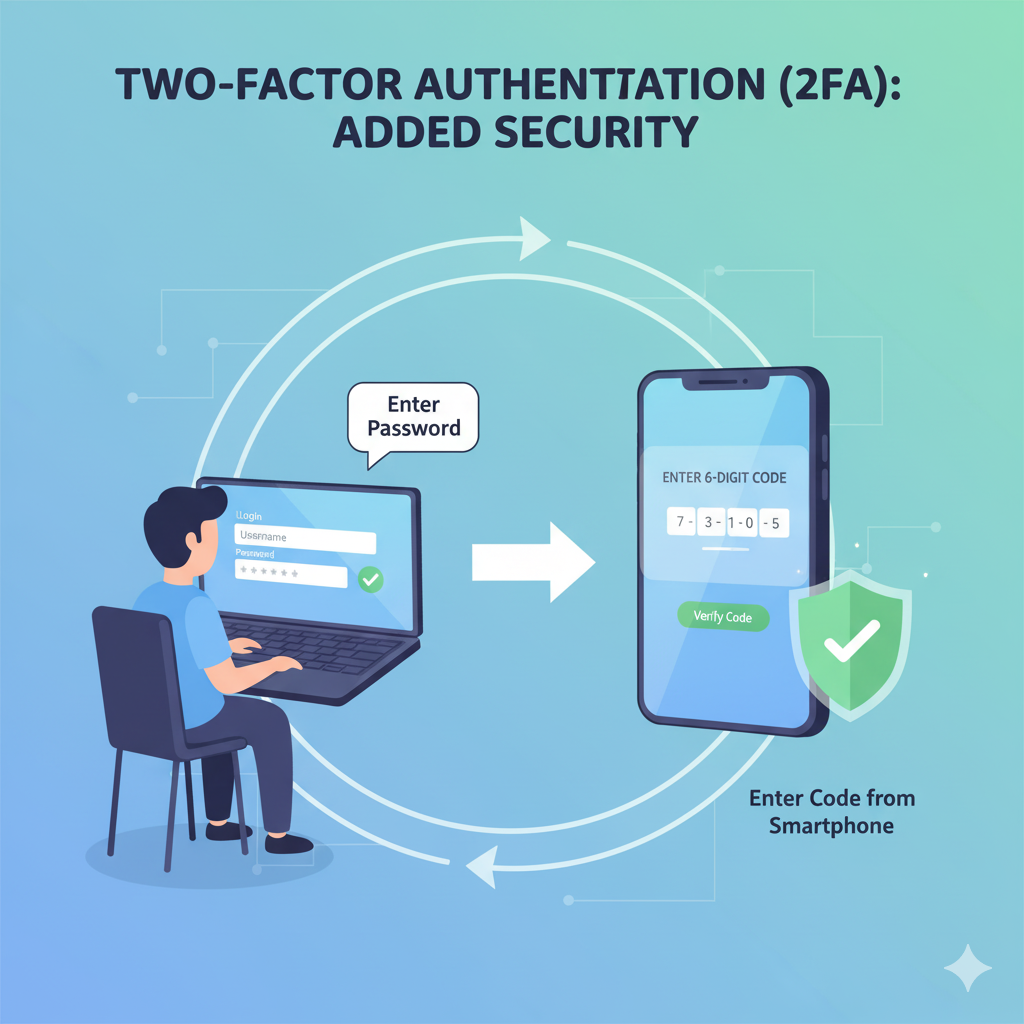
My approach is twofold. First, I configure the WordPress site to require all users to have strong passwords (a mix of uppercase, lowercase, numbers, and symbols). Second, for maximum security, I help my clients set up Two-Factor Authentication (2FA). This means that even if a hacker steals your password, they can't log in without also having a second code that is sent to your phone. This is the gold standard for login security.
These three steps are not optional; they are the fundamental security protocols I implement for every client to ensure their digital asset is safe. Leaving your website's front door unprotected is a risk no business should take.
👉 Is your WordPress website's front door unlocked?