Slow sites are killers of sales. Every second your site takes to load, you lose traffic, search rankings, and eventually, revenue. While many speed factors are at work, one offender is the culprit in almost every site review I do: wasteful images. Big image files are like putting boulders in your site's backpack – they add a lot of weight.
As a WordPress developer with over 7 years of experience and 350+ successful projects, I’ve built countless websites for clients where speed is non-negotiable—from large e-commerce stores to image-heavy portfolios for designers and photographers. I’ve become an expert at squeezing every ounce of performance out of a site, and optimizing images is always a top priority.
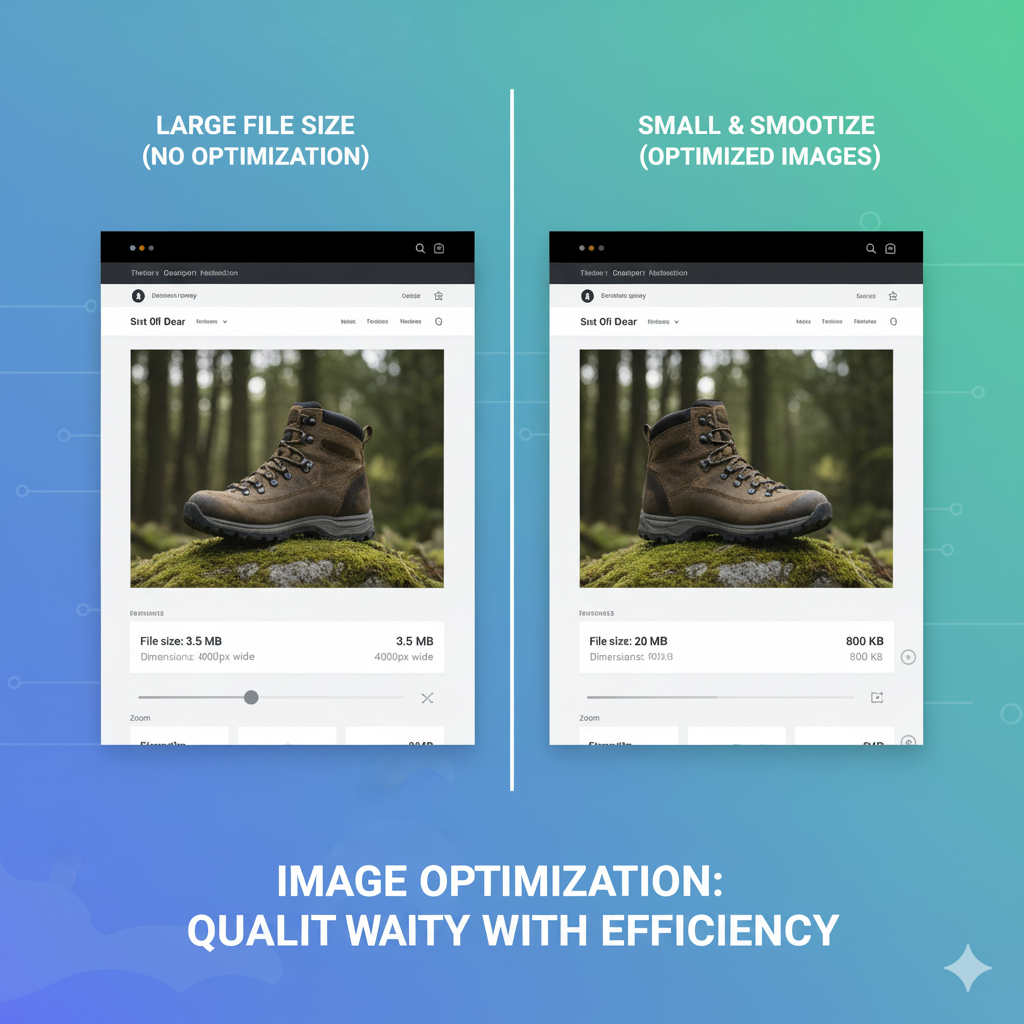
Today, I'm publishing my proven technique to reduce image file sizes 70-90% without noticeable loss of quality. This is not a "nice to have," it's a step I perform to get my customers' sites scorching fast.
When you directly upload a picture from your camera or your stock photo site, it's usually gigantic. We're talking 3-5 MB or larger. These pics are so much bigger than web display requirements. Even if your WordPress theme is resizing the image on the frontend, that giant original file still has to load in the background, which slows down your site.
I use a systematic approach in image optimization, compressing images to the extent without compromising visual quality.
Few images on your site need to be 4000 pixels wide. If your blog post image is going to appear 800 pixels wide, that's what its real size should actually be.
My process starts before the image even reaches WordPress. I crop images myself using photo software (like Photoshop or even free programs like GIMP or web editors) to full display size. For example, a full-width hero image might be 1920px, but an image on a blog post might only be 800px. That cuts down on file size dramatically before any compression occurs at all.
Choosing the right file type matters. Sites overuse JPEGs when they could be employing other alternatives better.
My approach is to use:
Even with resizing and choosing the correct format, images can be compressed even further without compromising on quality.
My final step is to natively add a powerful image optimization plugin into the WordPress site. Plugins like ShortPixel or Smush compress all images (including previously uploaded images) in a lossless or almost-lossless mode. They strip away excess metadata and use sophisticated compression algorithms. This final touch of polish has the effect of shaving another 20-50% off the file size.
Following this 3-step process consistently delivers dramatic improvements. My clients' websites load much faster, with lower bounce rates, smiley visitors, and better Google search positions. Speed isn't a technical subtlety; it's a user-experience make-or-break moment and a driver of online success.
👉 Is your website taking ages to load because of massive image files?