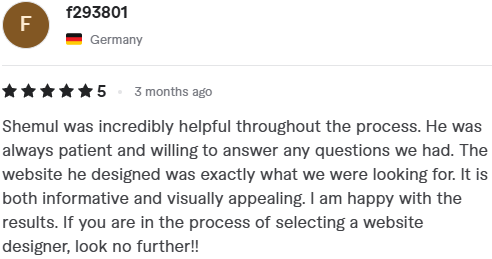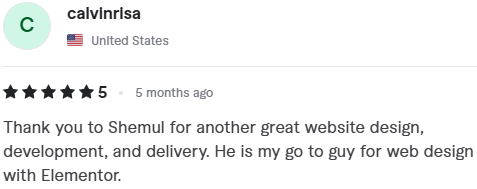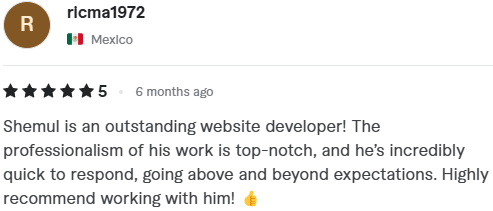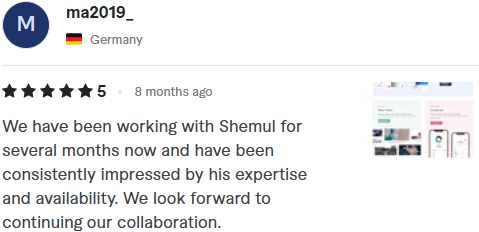
Every restaurant owner wants more customers. As a WordPress developer with over 7 years of experience and 350+ successful projects, I've seen what truly works. Forget the theory—these are the 5 website features I personally implement to turn a simple site into a business-generating machine for my restaurant clients.
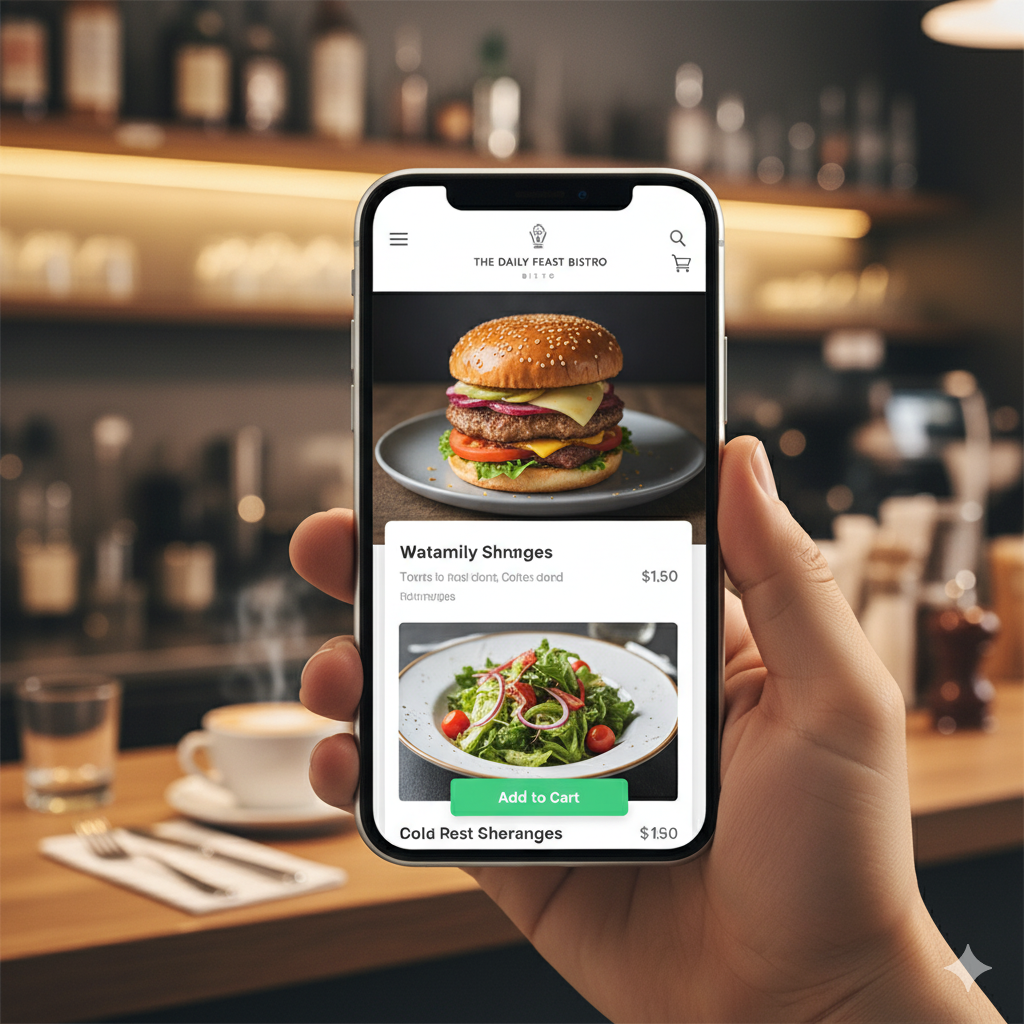
The biggest mistake is using a clunky PDF menu that frustrates mobile users. My fix is to build a clean, web-based menu that's easy to read and update. The result is simple: customers stay on your site, decide what they want faster, and are far more likely to order or book a table.
Customers buy an experience, not just a meal. Amateur phone photos fail to capture the unique atmosphere you've created. My response is to build a stunning photo gallery that showcases the "vibe." By featuring professional photos of your food and your unique dining space, you help customers choose your restaurant for the right occasion, whether it's a date night or a casual lunch.
Forcing a customer to call during a busy dinner rush is a recipe for lost business. My solution is to integrate reliable online ordering and booking systems directly into the website. This provides 24/7 convenience for your customers and results in a dramatic increase in both takeout orders and table reservations.
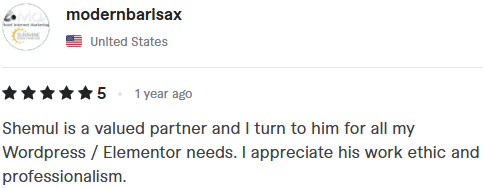
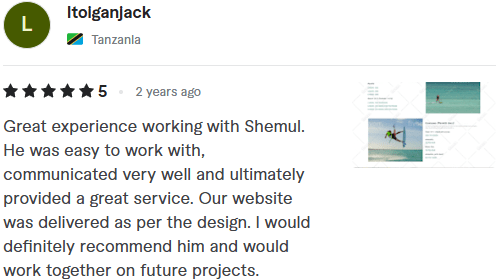
Great reviews buried on Google don't help a new visitor on your website. They need to see that social proof front and center. My approach is to embed a live feed of your best Google reviews directly onto your homepage. This builds instant credibility and answers the visitor's most important question: "Is this place any good?"
Frustrating a user on the go is a guaranteed lost customer. Critical information like your address, hours, and phone number can't be hidden on a separate page. My fix is to design the site so this information is "always-on"—visible in the header or footer of every page, with a "click-to-call" number and a link to a map.
These aren't just ideas; they are the proven features that turn your website from an expense into a profit center. They are the concrete strategies I've seen deliver real, measurable returns for restaurateurs just like you.
👉 Is your website just an online menu, or is it helping to fill your tables?